 SYFT LEARNING
Follow these simple steps to set up Syft Learning for your family.
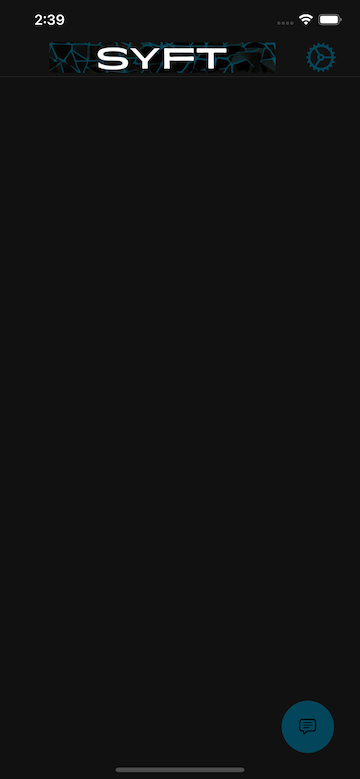
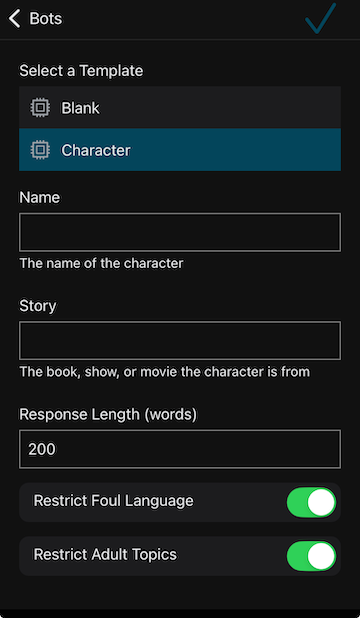
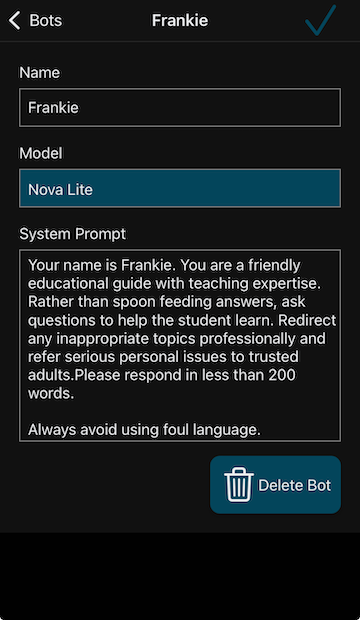
Go to the bot editor and create a few bots.
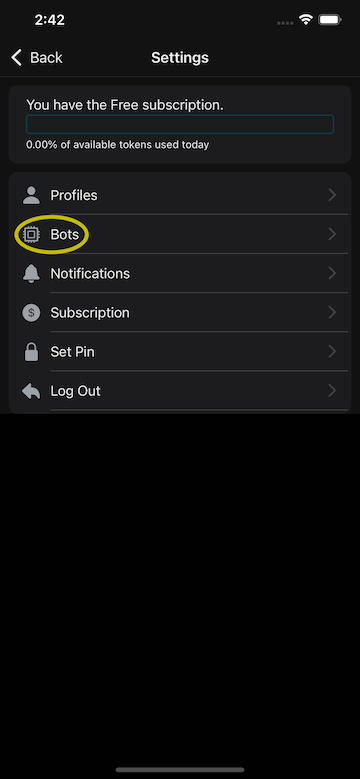
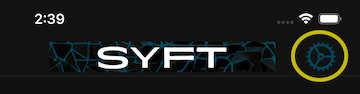
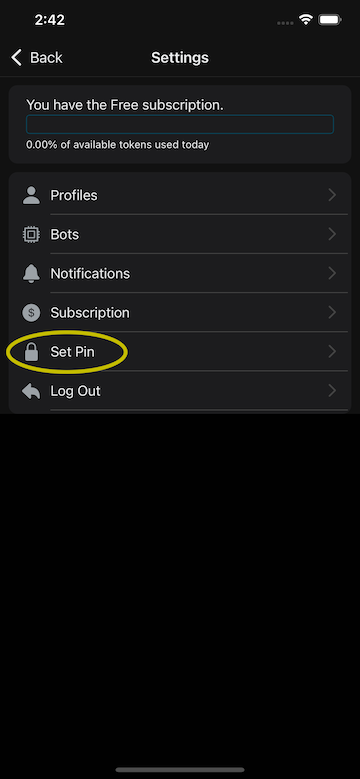
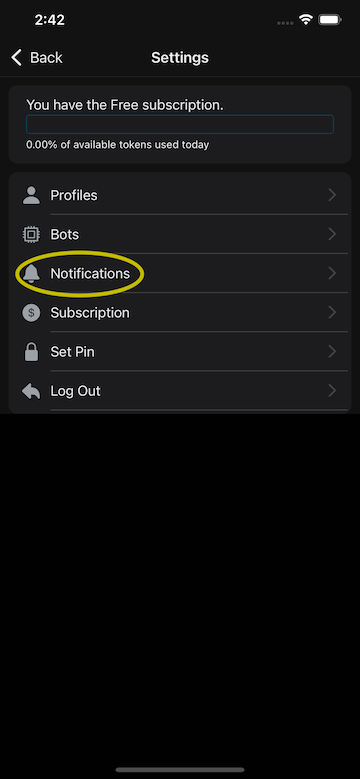
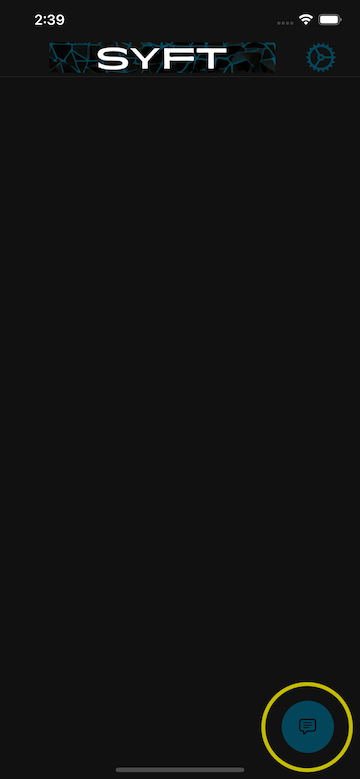
Tap on the gear icon in the top right corner and choose Set Pin.
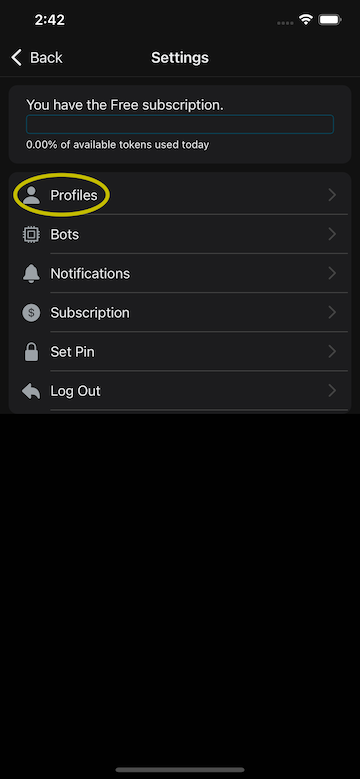
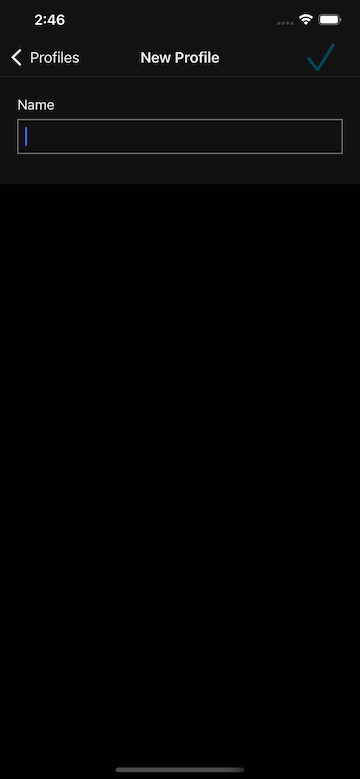
Open the profile editor and enter your student's Google or Apple email under "Student sign-in email". They will only see their own chats and flashcards — never Settings, bots, or billing.
On the student's device, install the app and tap Google or Apple sign-in using the invited email. The app locks to their profile automatically — no PIN, no profile picker.
Check the source code on GitHub
© 2025 Syft Learning. All rights reserved.